Warning
: Undefined variable $kind in
/home4/wgate/public_html/include/checkfunpdo.php
on line
662
Warning
: Undefined variable $vers in
/home4/wgate/public_html/include/checkfunpdo.php
on line
662
Warning
: Undefined variable $kind in
/home4/wgate/public_html/include/checkfunpdo.php
on line
662
Warning
: Undefined variable $vers in
/home4/wgate/public_html/include/checkfunpdo.php
on line
662
:::
網站簡介
關於我們
公司地圖
最新消息
相關問答
商品資訊
檔案下載
相關連結
無法支援javascript 請使用以下功能選擇您要的功能
網站簡介
|
1-1
關於我們
1-2
公司地圖
最新消息
|
相關問答
|
商品資訊
|
檔案下載
|
相關連結
|
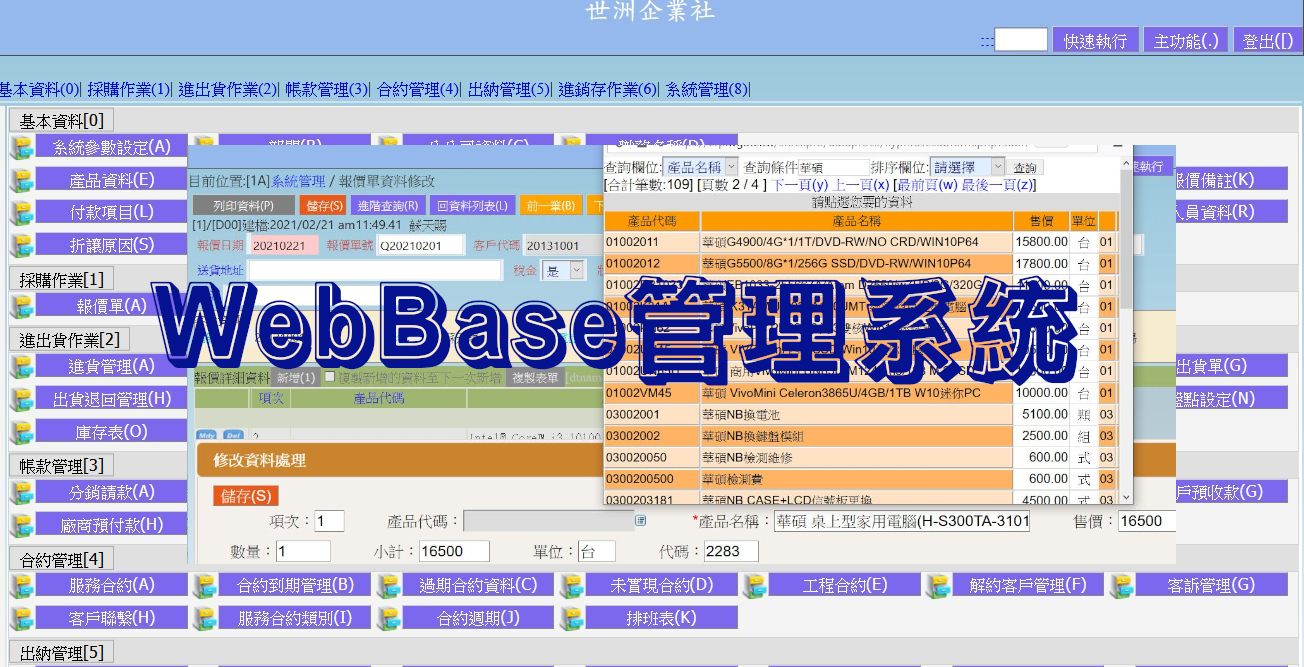
WebBase系統管理程式
Windows即將終止支援
電腦組裝
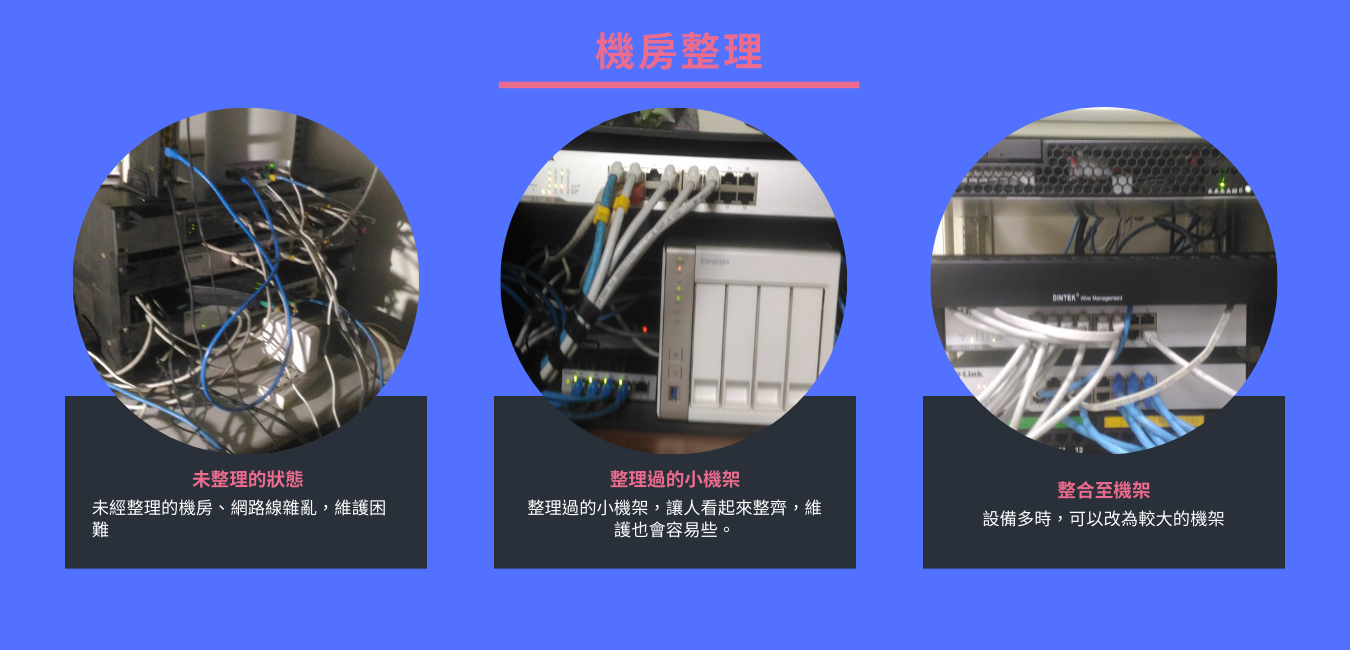
整線-小機架
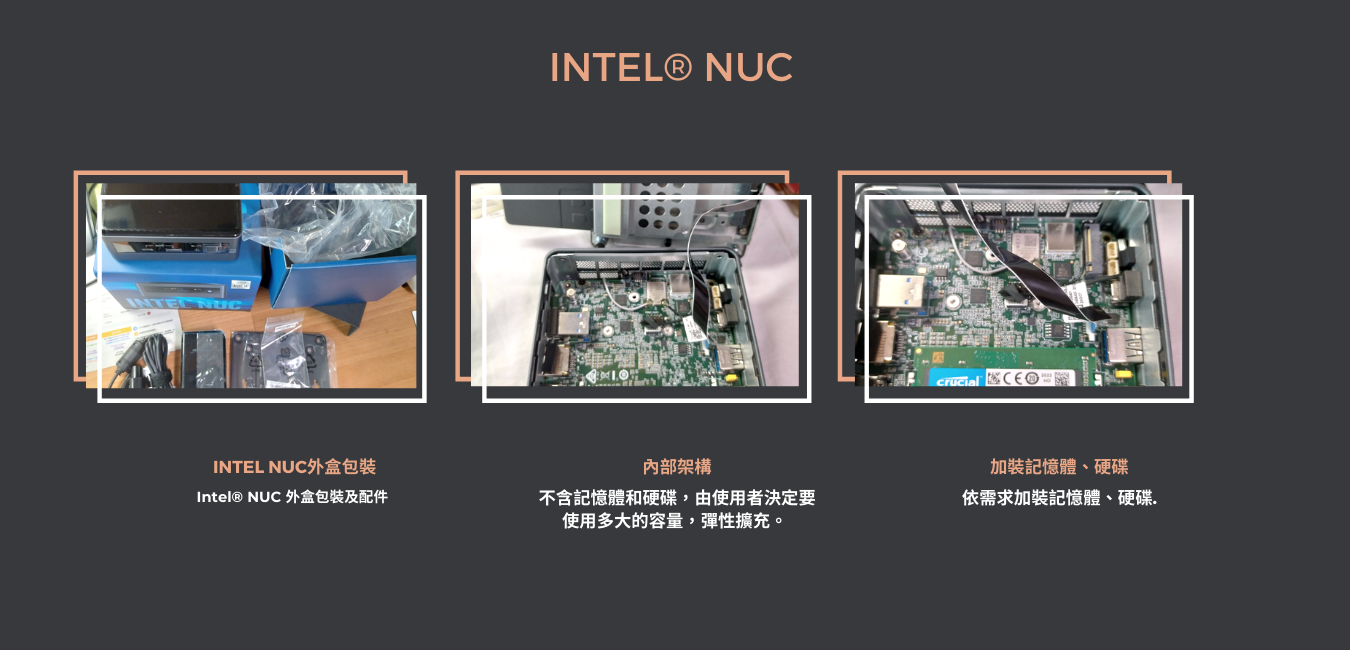
INTEL NUC組裝
2020HP通路大學商用電腦線上認證
INTEL CPU
Previous
Next
QA搜尋:
分類查詢
:::
|
WINDOWS(104)
營業系統(11)
生管系統(3)
會計系統(7)
船務系統(1)
點數管理(18)
空間維護(4)
系統櫃拆料系統(54)
進出口庫存管理(4)
塔位管理(1)
生命服務系統(1)
人事薪資(4)
FreeBSD(50)
Linux筆記(10)
PHP程式筆記(19)
jQuery(4)
HTML(2)
雲端服務(0)
Mysql(22)
Tensorflow筆記(18)
其他(29)
:::
:::
|
目前位置:
回首頁
|
相關問答
WIN11設定關閉螢幕、睡眠、休眠時間
[日期]:2026/03/09 [瀏覽人數]:136
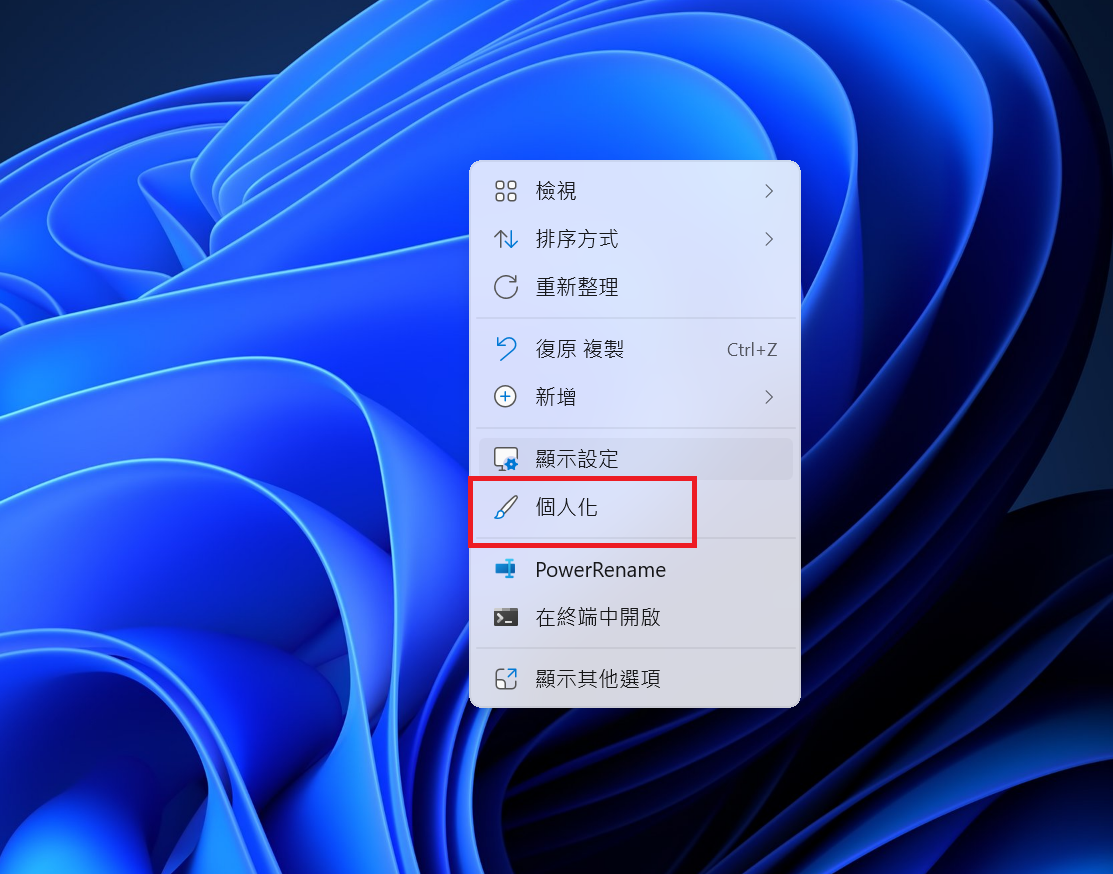
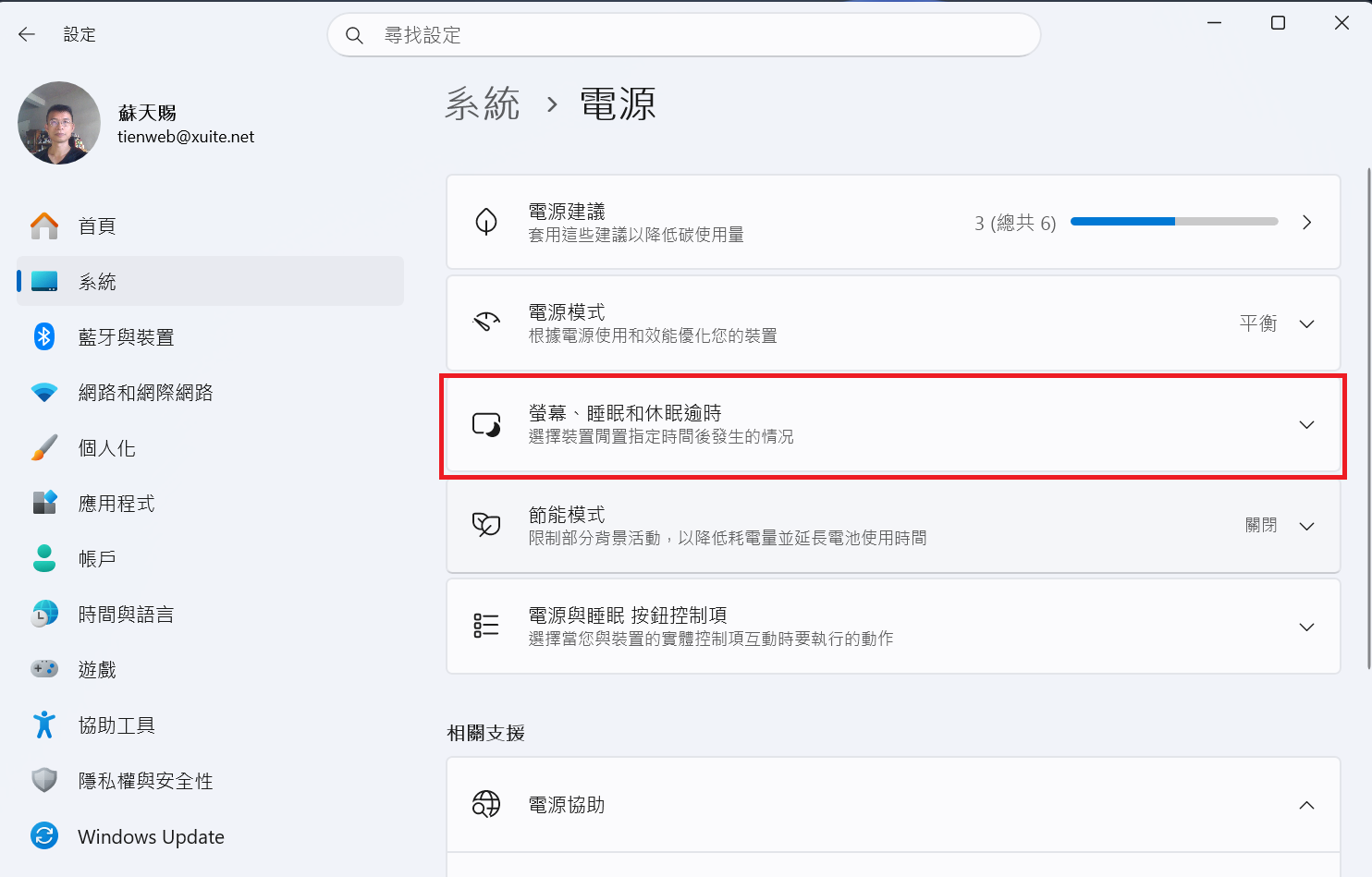
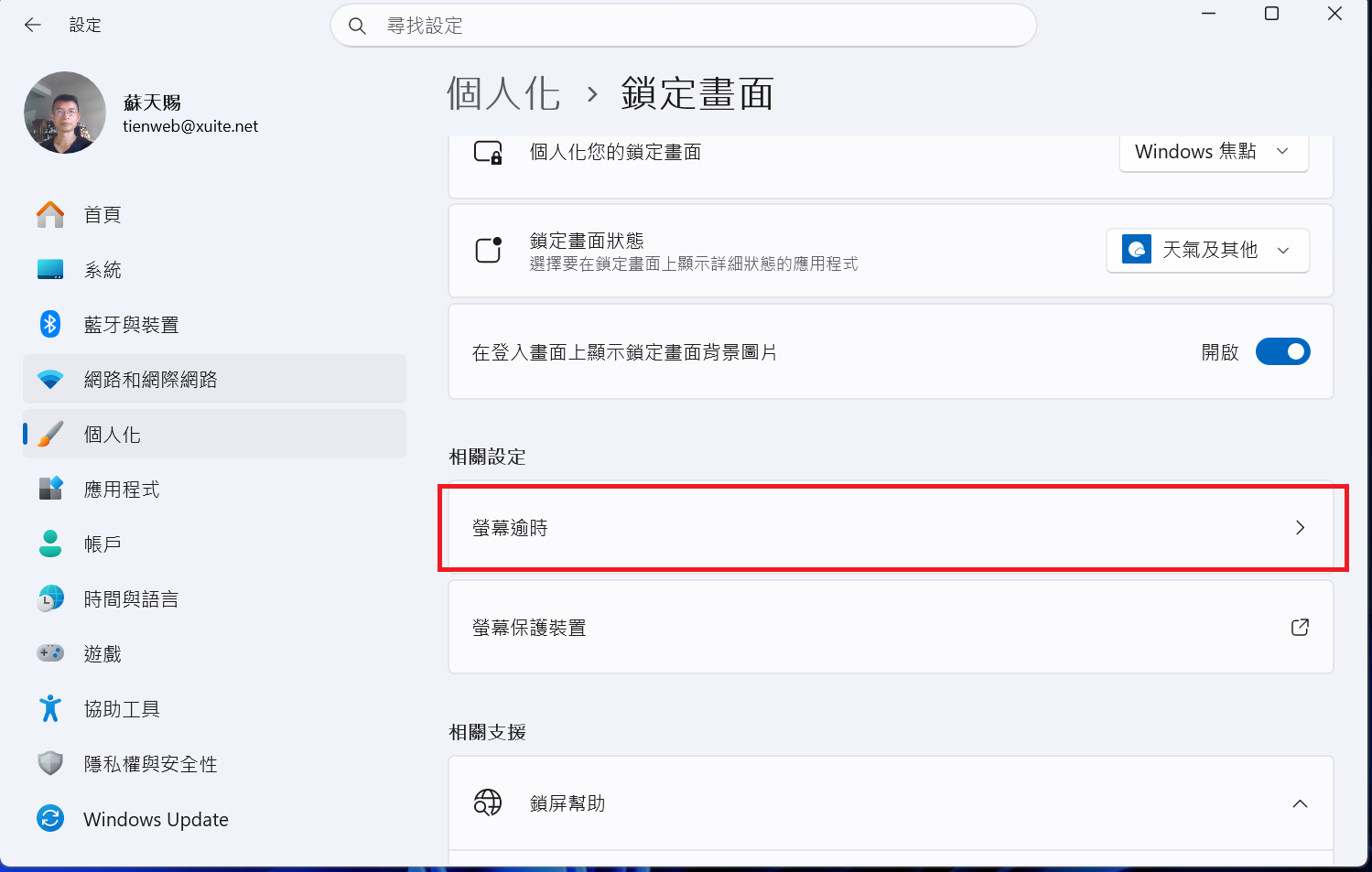
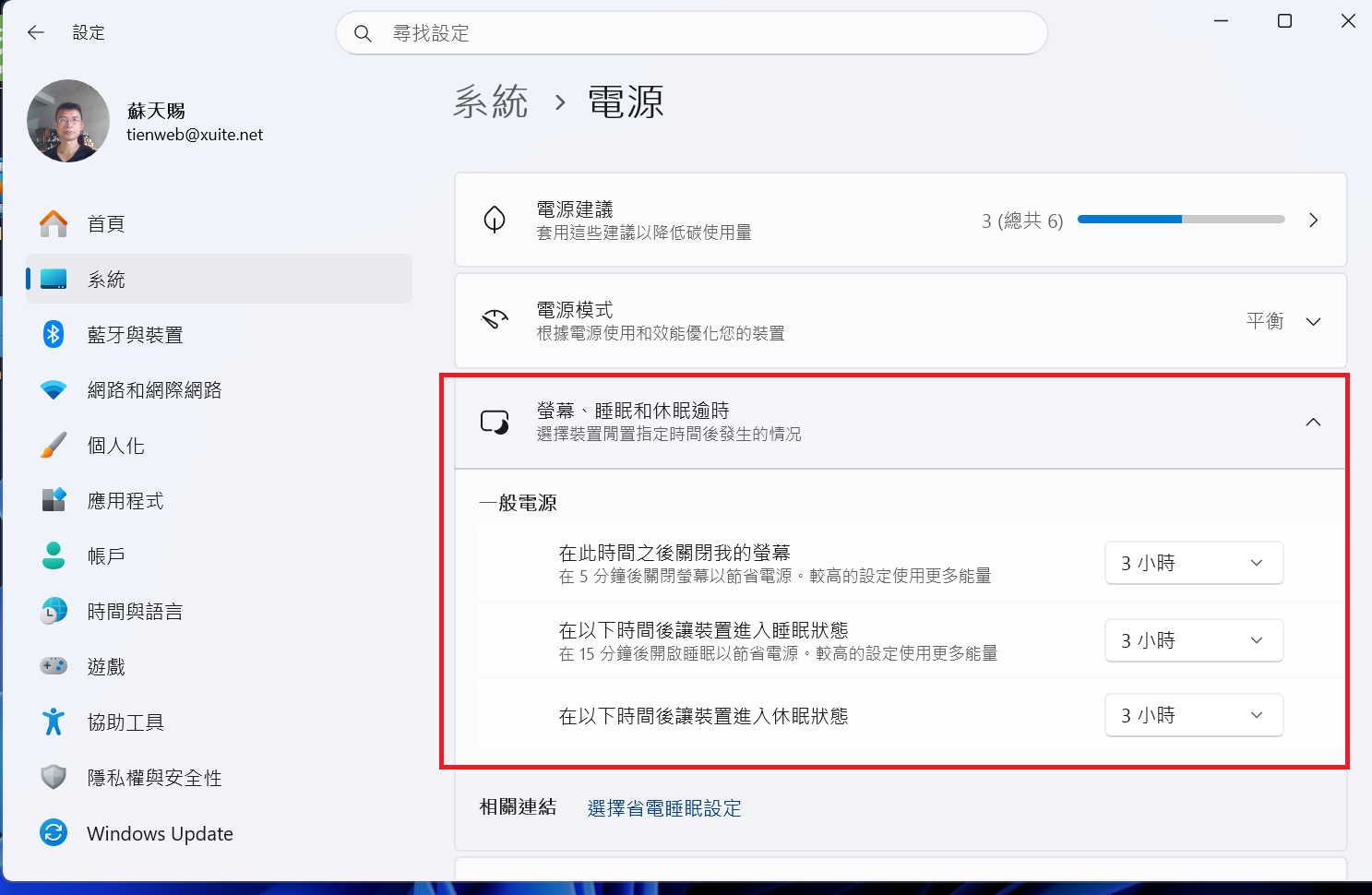
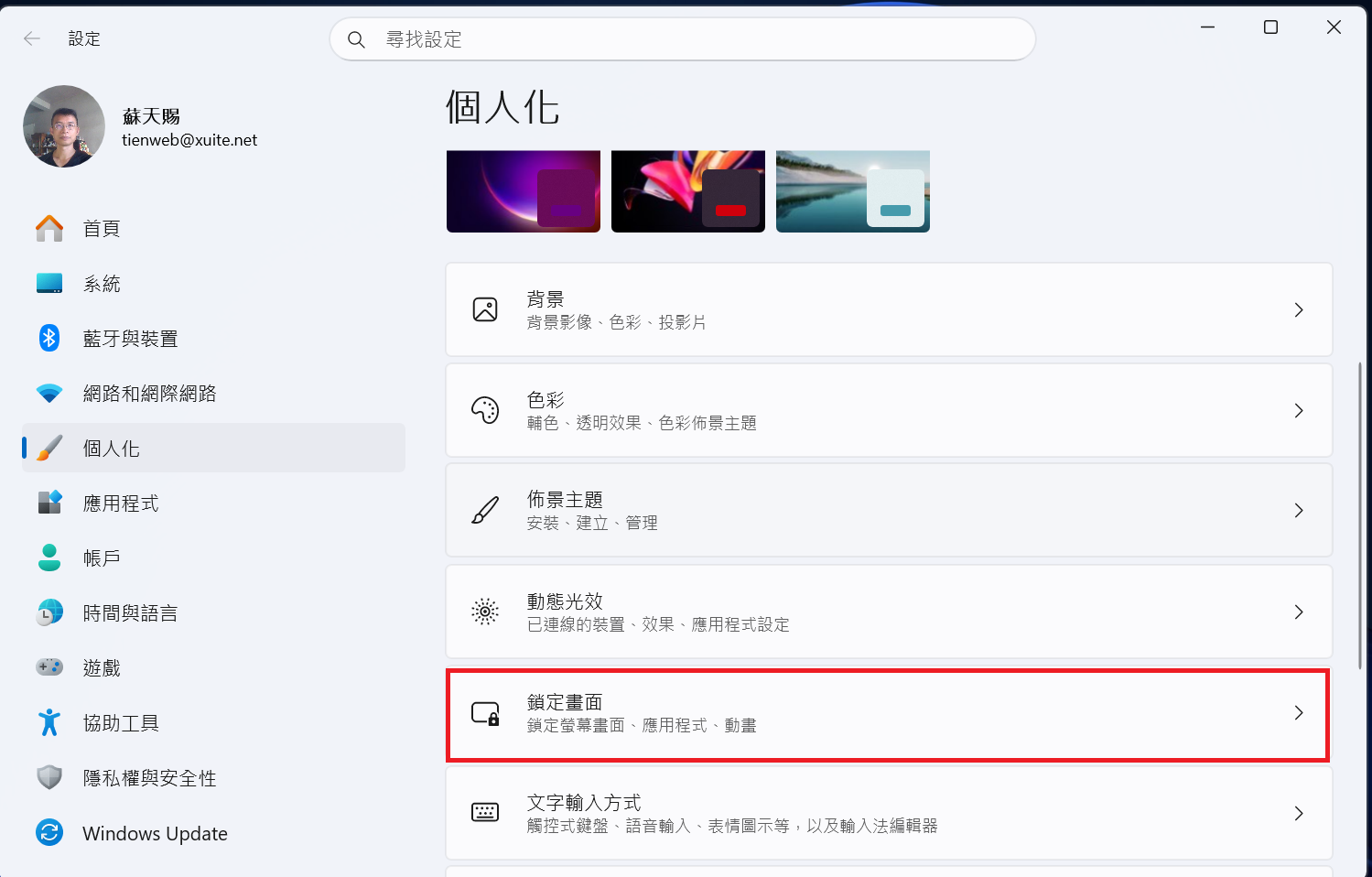
在桌面按MOUSE右鍵->個人化->鎖定畫面->螢幕逾時->螢幕、睡眠和休眠逾時->設定一般電源的選項
在桌面按MOUSE右鍵
在桌面按MOUSE右鍵->個人化
螢幕、睡眠和休眠逾時
點選[螢幕、睡眠和休眠逾時]
螢幕逾時
點選螢幕逾時
設定一般電源的選項
在一般電源選項設定您想要設定的螢幕關閉時間、睡眠時間、休眠時間
鎖定畫面
點選鎖定畫面





 目前位置:
目前位置: 回首頁
回首頁 相關問答
相關問答